Pro
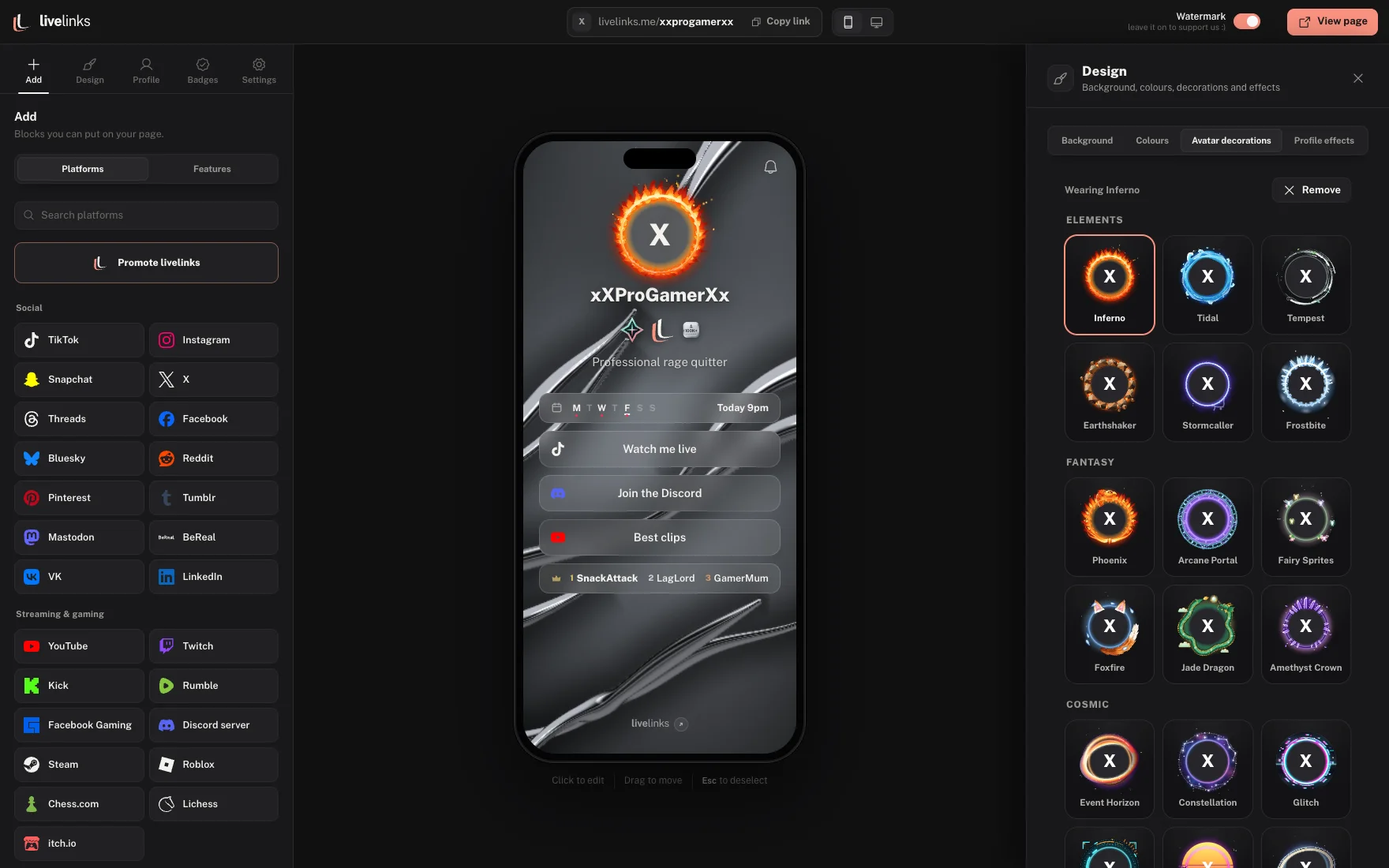
Avatar decorations
30 animated frames for your picture.
X
Your stream, your socials and your supporters on one page. Free, and it takes about a minute.


Tap anything on your page to change it. Nothing is locked into a template.
30 animated frames for your picture.
As well as 12 more moving backgrounds inside the editor.
60+ fonts and effects like neon and chrome.
Viewers tap the bell. When you go live, their phone tells them.
Plays when someone opens your link.
Show 3 for free, or every one you’ve won with Pro.
As well as these, there are 40+ more features inside the editor. Try it free
Almost everything is free. Pro adds the extras, and is invite-only for now.
Everything you need for a great page.
 Pro
ProEverything in Free, plus:
Yes. Your link, your page, every background and all the styling are free, with no card needed. Pro only adds unlimited badges, your own badges and hiding the livelinks logo.
Pro is invite-only for now. It shows as many badges as you like, lets you make your own badges, adds an entry screen with an Enter button before your page, and hides the livelinks watermark. If you've been given an invite code, enter it at sign-up or in your settings.
Yes. Paste your livelinks.me link into the Website field on TikTok, or into Twitch, Instagram and anywhere else that takes a link.
No. They're drawn by the phone's graphics chip and ease off on older phones, so the page stays smooth. Viewers who turn off motion see a still version.
Yes, as long as the new name isn't taken. Remember to update your bios when you do.
They go live when you press Save. If you try to leave with unsaved changes, the editor asks first.
Yes. Turn on the 18+ warning in settings and visitors confirm their age before they see your page.
You can see how many people viewed your page, how many tapped, and which buttons got tapped most. We don't show who they are.
One short link for your bio, your stream panels and your chat. Change how it looks whenever you like.